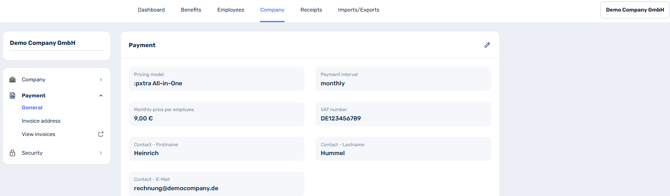
Go to the Company tab in the dashboard and then to Payment in the menu on the left. Click here on View invoices.
You will now be taken directly to the page of our payment service provider. There you will see an overview of the payment method, billing information and invoice history.
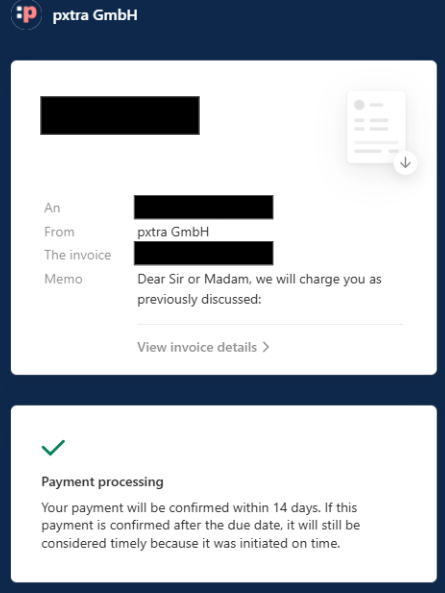
You can click on the invoice you want to download or view under Invoice history. You will then be taken to this overview and have the option of downloading the invoice or viewing the invoice details via the arrow at the top right.