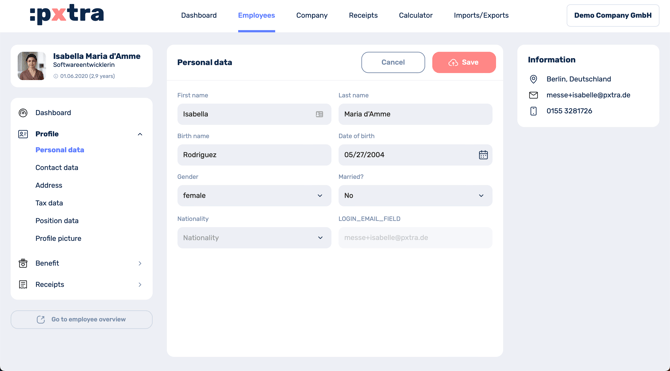
To edit the profiles of your employees, first click on "Employees" in the menu bar at the top.
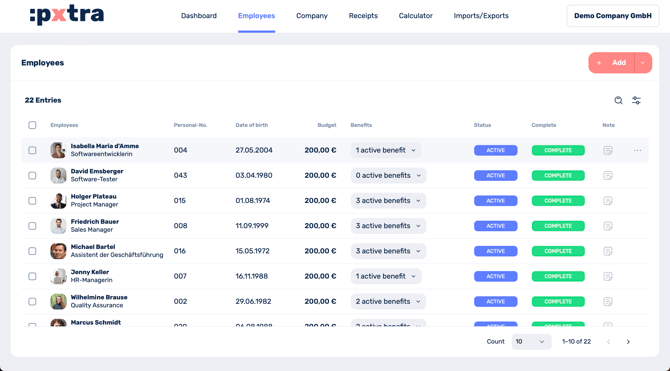
You then have two options:
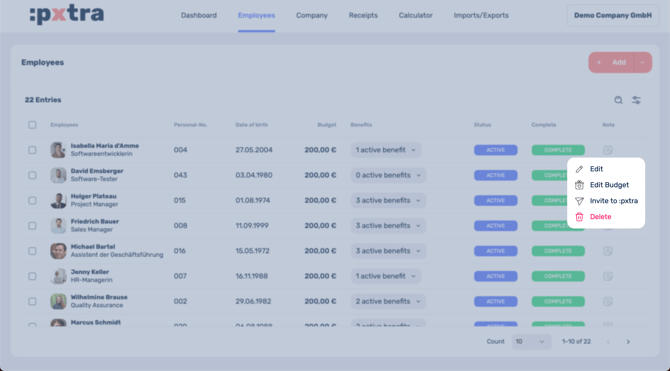
Either you click directly on the name of the respective employee or you click on the three dots at the end of the entry and select Edit.
At the following page you can choose in the menu left bar which data you want to edit.
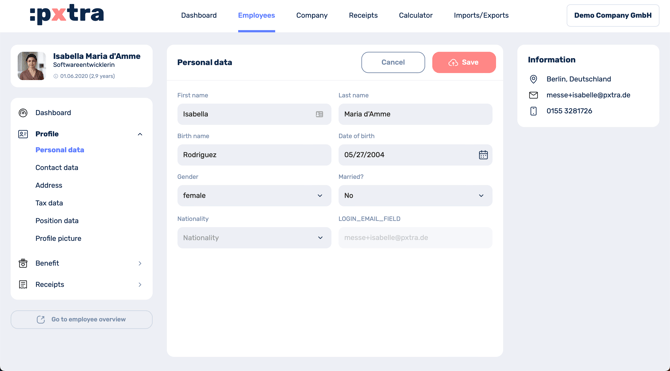
After finishing your editing, click "Save" in the top right.