
First, click on Employees in the menu bar at the top.
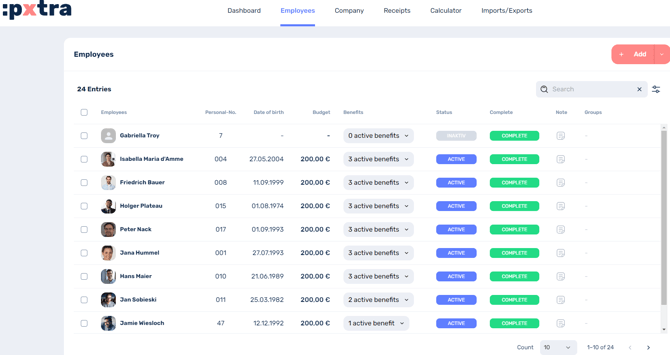
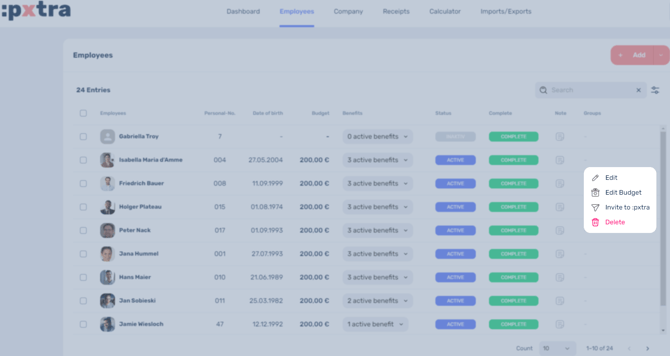
You can then click on the three dots to the right of the respective employee and select Edit.
In the menu bar that appears on the left, you can now add a note under Position data, which will then be displayed in the employee overview.
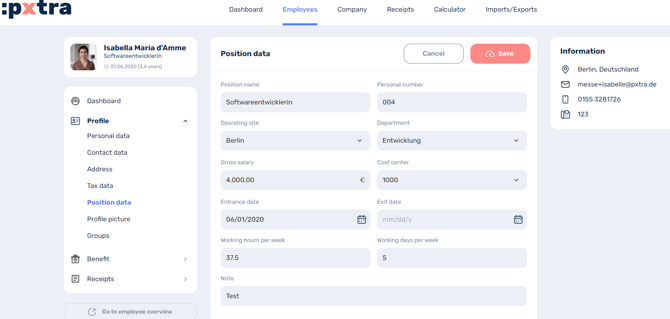
Finally, click on Save.