
As part of the onboarding process, you need to enter your company's master data in the "Company" tab of the platform. This includes:
Company section
- General data
- Contact details
- Location (optional)
- Departments (optional)
- Cost centers (optional)
In the area of payment
- General - Contact details for invoicing, VAT ID
- Billing address
- Bank details
Note: If you manage multiple businesses, please provide the business information for each one.
You can find here instructions on how to switch between your businesses.
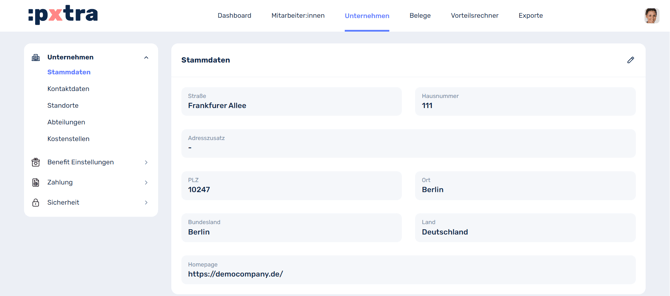
Company data that is not optional must be completed to ensure the proper operation of our platform.