
If you want to offer different benefits for different employee groups – for example, leasing offers only for employees who have already passed their probationary period – then benefit packages are just right for you.
With benefit packages, you can put together your own packages that are made available to your employees. IMPORTANT: Even if you want to offer the same benefits to all employees, you must create at least one standard package with the desired benefits, as employees can only be invited with an assigned benefit package. Otherwise, you will receive a corresponding error message in the platform when sending the invitation.
To create a benefit package, go to the Benefits tab in the platform and then click on Benefit Packages.
You can now start creating the package by clicking on the Create New Package button in the top right-hand corner.

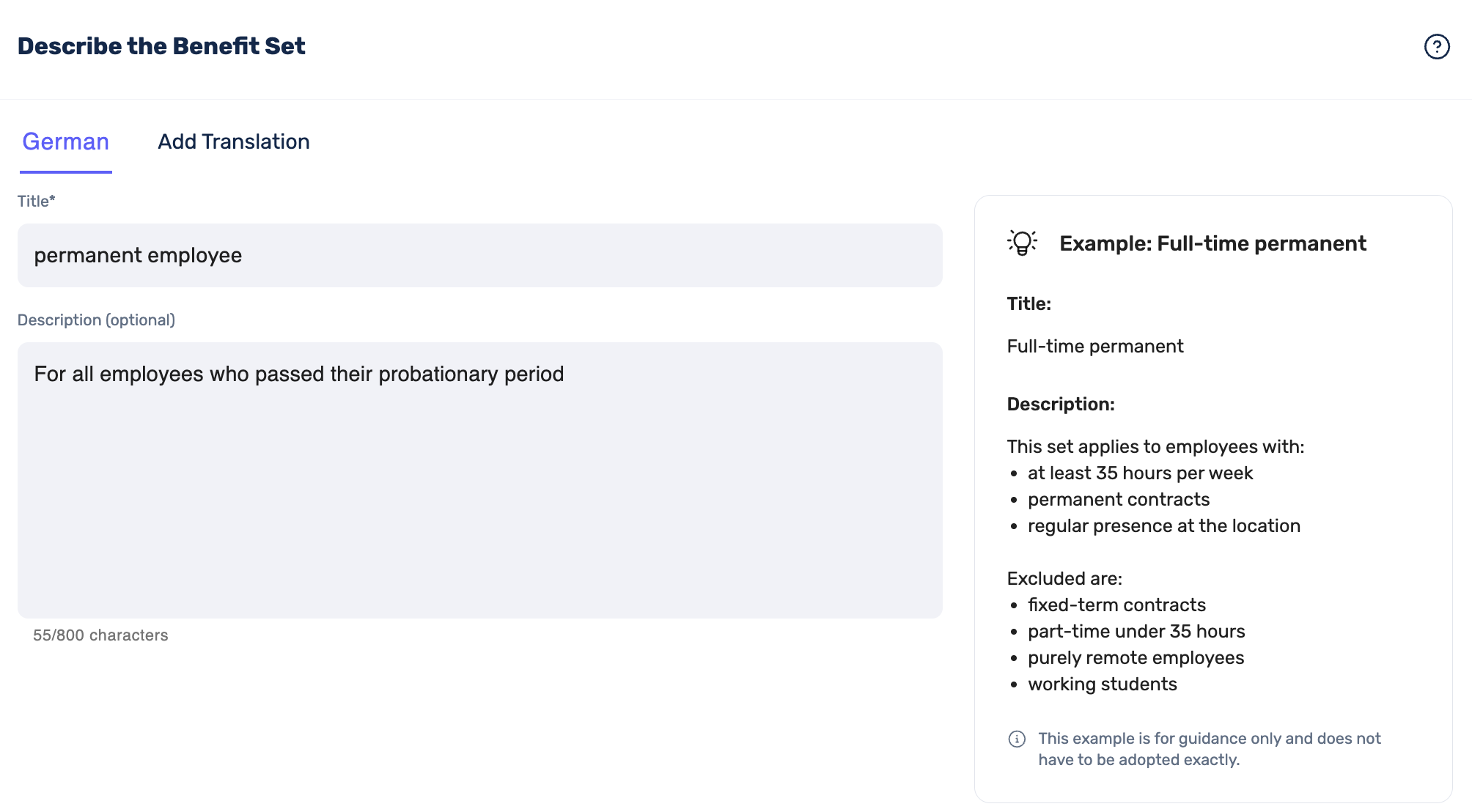
Give your benefits package a unique name and, if you like, add a description of the package. On the right-hand side, you will also find an example to help you set it up.
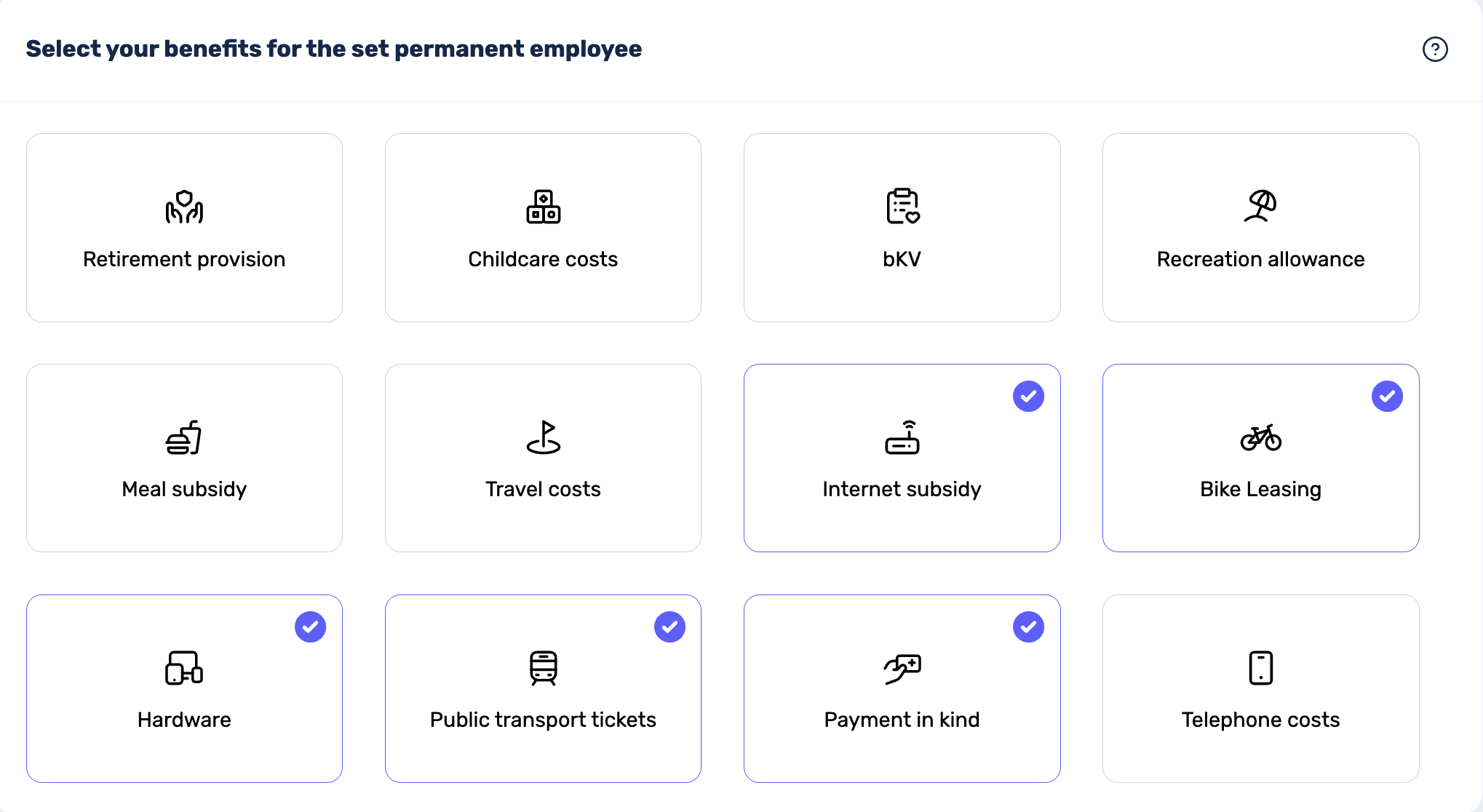
In the next step, you can select all the benefits that you want to display to employees with this package:
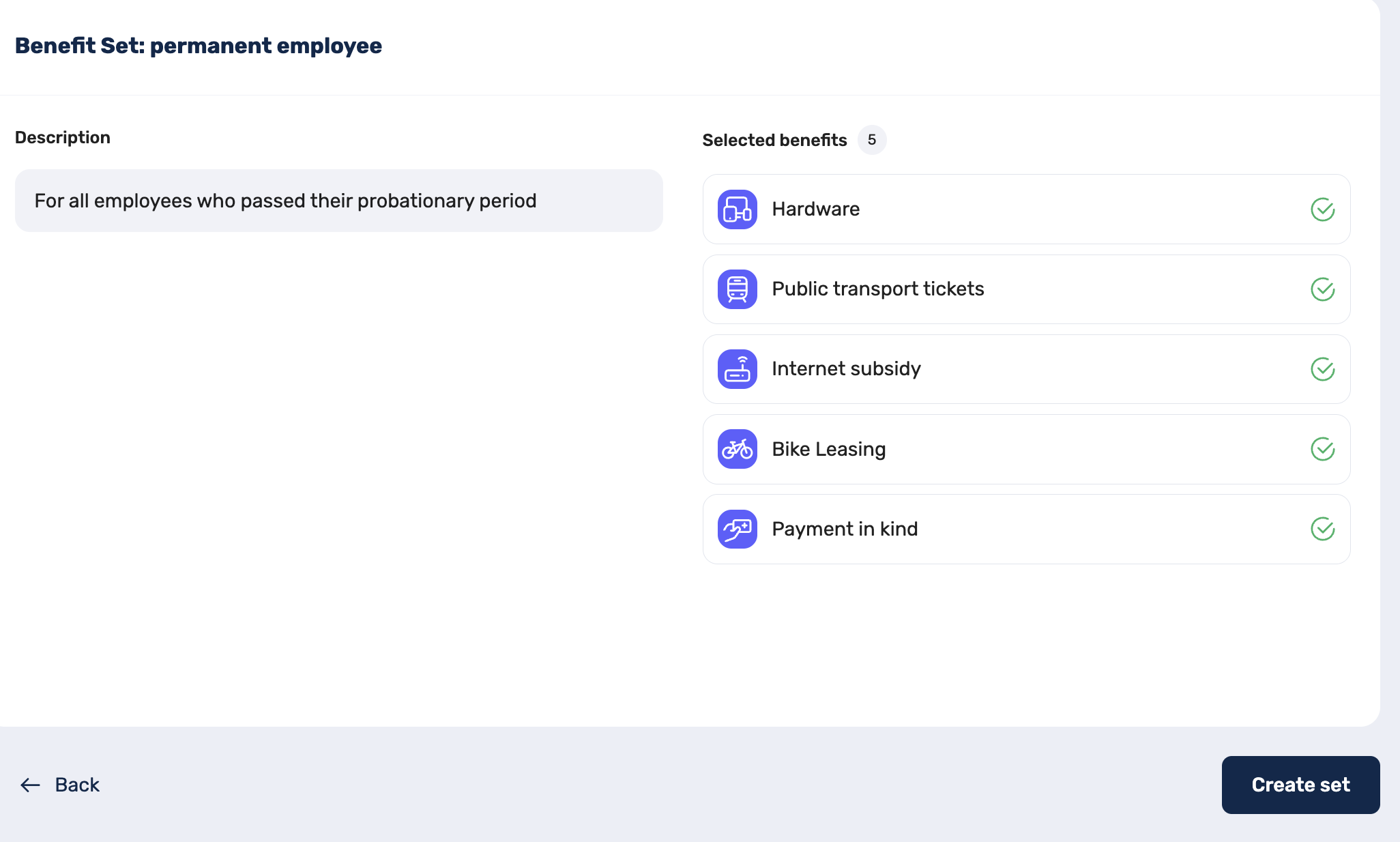
Finally, you will see an overview of your benefits package. You can save it or, if necessary, go back to make corrections to the name, description or selection of benefits:
Once you have created your package(s), you can start assigning them to employees. You can find out how this works here.